
The Project IGI Urdu Edition is a free fan edition of the 2000 PC game with the cut-scene voices dubbed in Urdu, Urdu subtitles and Urdu menus. You can download it from the IGI 1 Urdu card on the playigi.com download page. It is a ready-to-play Windows folder: unzip it and run IGI.exe, with no installer.
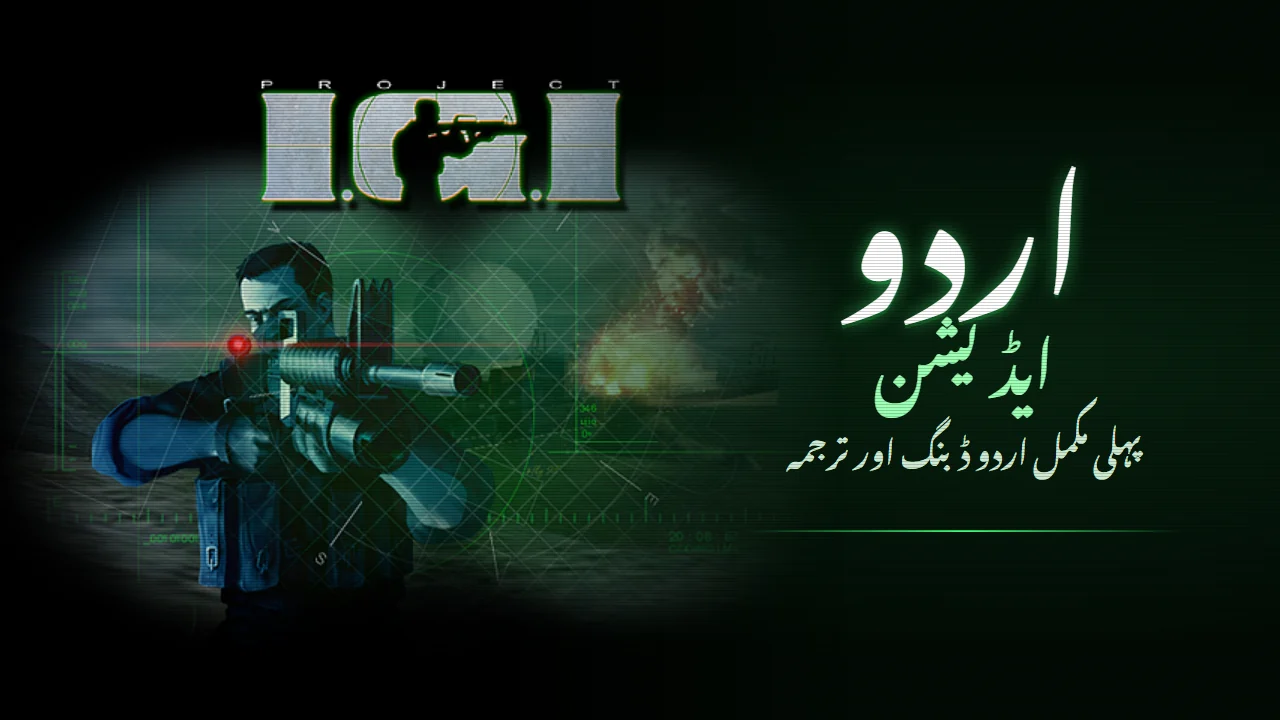
What the Urdu Edition is
Project I.G.I.: I'm Going In came out in 2000 in English, French, German, Italian and Spanish. It never had an Urdu version. The Urdu Edition fills that gap. It is the first full Urdu dubbing and translation of the game, made by Sachal and released free on playigi.com.
It is the complete PC game with the Urdu work already built in, so there is nothing to patch or copy over another install. It runs as its own folder on a Windows PC.
What is in Urdu, and what stays English
| Part of the game | Language |
|---|---|
| Cut-scene voices, missions 1 to 14 | Urdu dub |
| Cut-scene subtitles | Urdu |
| Game menus | Urdu |
| Credits | The original credits, plus an added page for the Urdu dub and translation |
| In-game radio messages | English |
| Weapon names | English |
| Objectives screen (TAB) | English |
| On-screen notices, ammo, save and player lists | English |
All 14 missions have their cut-scenes dubbed, so the story of David Jones, Anya and the hunt for the stolen nuclear warhead plays in Urdu from start to finish. The short radio messages and on-screen notices that appear during play, the weapon names and ammo in the corner of the screen, and the objectives screen are kept in English.
Where to download it
- Open the playigi.com download page.
- Find the card called Project I.G.I. - Urdu Edition (IGI 1 Urdu).
- Click Download IGI 1 Urdu. The file is a zip of about 496 MB (some browsers show it as 520 MB).
Start the download from the playigi.com download page itself. A link copied to another site or pasted into a download tool will not work.
The Urdu Edition is free. If someone asked you to pay for it, you were scammed: the official copy is the one on playigi.com.
How to unzip and run it on Windows
- Right-click the downloaded zip and choose Extract All, or use any unzip tool you like.
- Put the extracted folder anywhere you want: your Desktop, another drive or a USB stick. A plain folder you own works best, rather than Program Files.
- Open the extracted folder, then the Project IGI - Urdu folder inside it, and run
IGI.exe.
There is no installer. The game starts with the intro movies and then goes to the main menu, which is in Urdu. The game is set to play at 1920x1080 by default instead of the old 640x480.
Playing in a window
The readme in the download explains how to play in a window:
- Right-click
IGI.exeand choose Create shortcut. - Open the shortcut's Properties.
- At the end of the Target box, after the closing quote, add a space and the word
Window. - For a borderless window, add
Window Borderlessinstead. - Start the game from that shortcut.
Progress and settings
Your progress and settings are saved in config.qvm, next to IGI.exe. To start over, delete config.qvm and the game will begin fresh. A config.qvm set to 1920x1080 already comes in the folder, so you do not have to wait for the game to create one. The game writes this file when you quit normally from the menu, so exit the game properly rather than closing it from Task Manager, or recent changes may not be saved.
If the game gives you trouble on a modern PC, the general tips in running Project IGI on Windows 10 and 11 also apply here.
Playing in English
The Urdu Edition does not come with a switch back to English. Because it is a separate folder, it does not touch any other copy of the game you have. To play in English, keep using your own English copy of Project IGI next to it, or play the English campaign in your browser at playigi.com/play.
The browser version also has Urdu and Roman Urdu language options under Configuration > Language. There, menus, objectives, messages and subtitles change to Urdu while the spoken voices stay English. The Urdu voice dub is only in the Windows download. More about the browser version is in how to play Project IGI online.
Common questions
Is it a mod I have to install over my game?
No. It is a complete game folder. Unzip it and run it; your other copies stay as they are.
Does it include IGI 2?
No. The Urdu Edition is the first game, Project I.G.I.: I'm Going In (2000). For IGI 2 mods, see the IGI mods guide.
Does it work on Mac, Android or iPhone?
The download is for Windows PC. On other devices, the browser version is the way to play.
Credits
- Urdu dub and translation: Sachal (playigi.com).
- Original game: Project I.G.I.: I'm Going In by Innerloop Studios, published by Eidos Interactive in 2000.
The Urdu Edition is free. Send friends to the download page to get it.