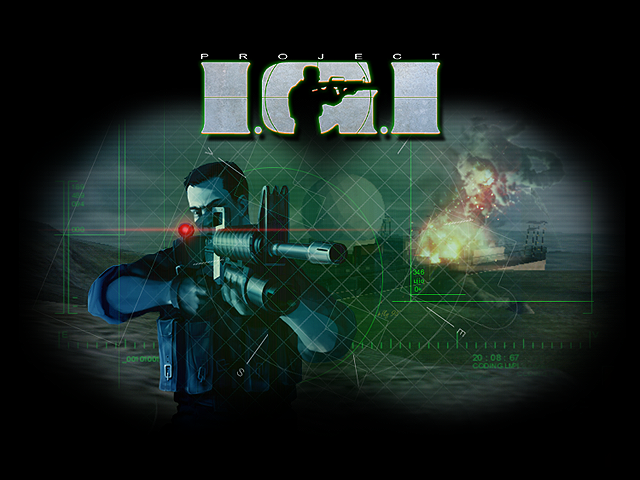

You can put the Project I.G.I. browser game on your own website, blog or fan page. Paste the code below into your page. The game runs from playigi.com inside your page, so it stays up to date, and multiplayer and co-op work in the embed just as they do here.
Embed code
A fixed-size player, 960 by 600 pixels:
<iframe src="https://playigi.com/play" width="960" height="600" style="border:0" allow="fullscreen; gamepad; autoplay" allowfullscreen title="Project I.G.I."></iframe>A player that fills the width of your page and keeps a 16:10 shape, for phones and narrow layouts:
<div style="position:relative;width:100%;aspect-ratio:16/10">
  <iframe src="https://playigi.com/play" style="position:absolute;inset:0;width:100%;height:100%;border:0" allow="fullscreen; gamepad; autoplay" allowfullscreen title="Project I.G.I."></iframe>
</div>What works in the embed
- The full game, the same version as on playigi.com. Saves and settings made inside an embed are kept apart from the ones made on playigi.com itself.
- Multiplayer: Team Deathmatch, Zarya-9 and co-op rooms, with the same players as on playigi.com.
- Fullscreen (F12 or the fullscreen button), gamepads and mouse look, as long as you keep the
allowandallowfullscreenparts of the code.
The embed is for the game itself. Links in the game's menus to other playigi.com pages, such as guides or the download page, do not open inside the frame.
Keep the address on playigi.com: https://playigi.com/play, or https://playigi.com/game/ for the game without the page around it. Pointing the iframe at another site, or at a copy of the game files, will not connect to the online servers.
Rules
- Embedding is free.
- Approved sites show an Authorized embed badge in the corner of the game. Players should trust only those. To get your site approved, ask on the playigi.com Discord (the button at the bottom right of every page).
- Do not hide or cover the game or the playigi.com credit inside it.
- Do not copy the game's files to your own server. Copies are not allowed, see the official notice. Embedding is the supported way to show the game on your site.
- Bans apply in embeds too: a player banned on playigi.com is banned everywhere.